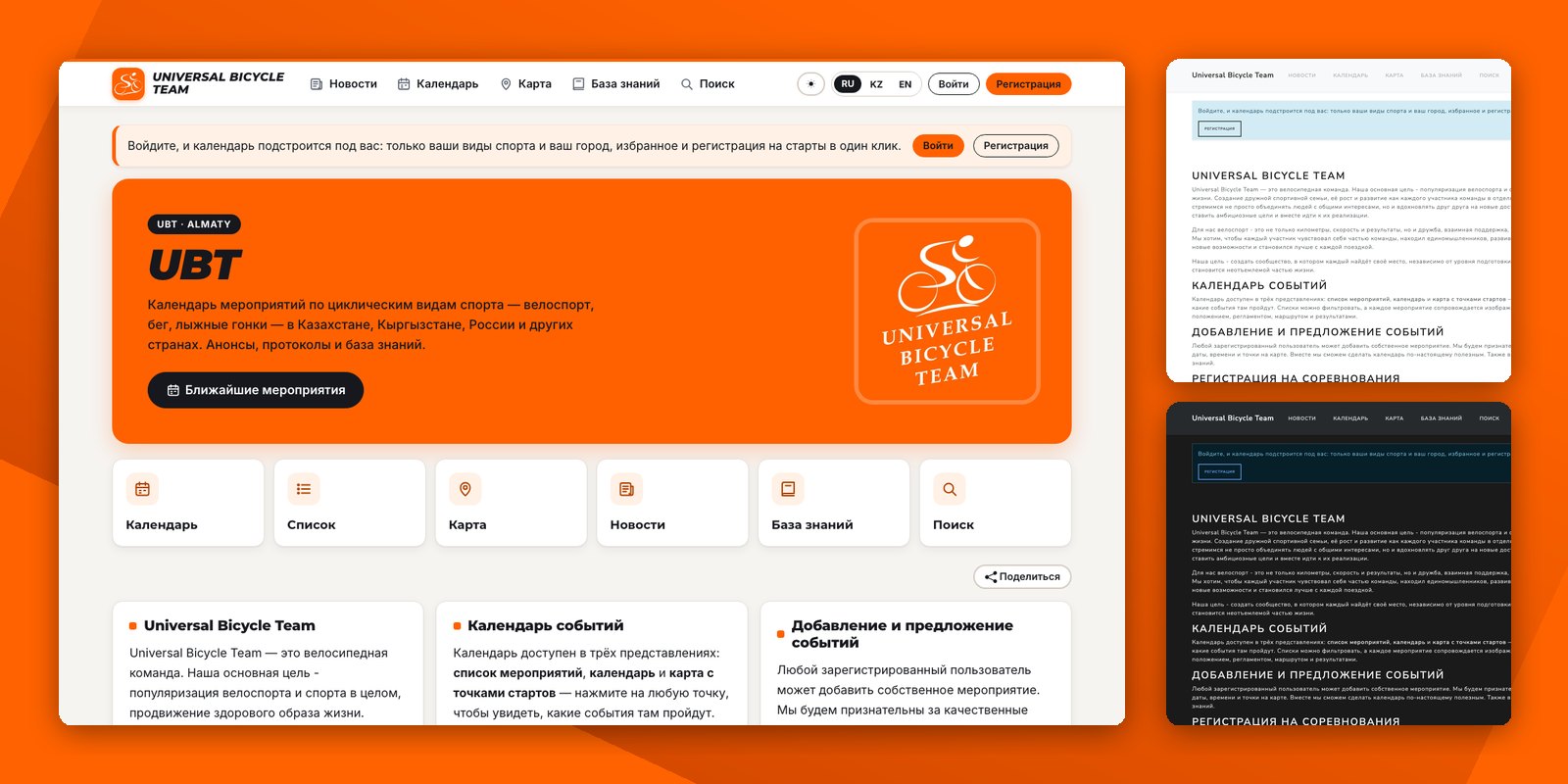
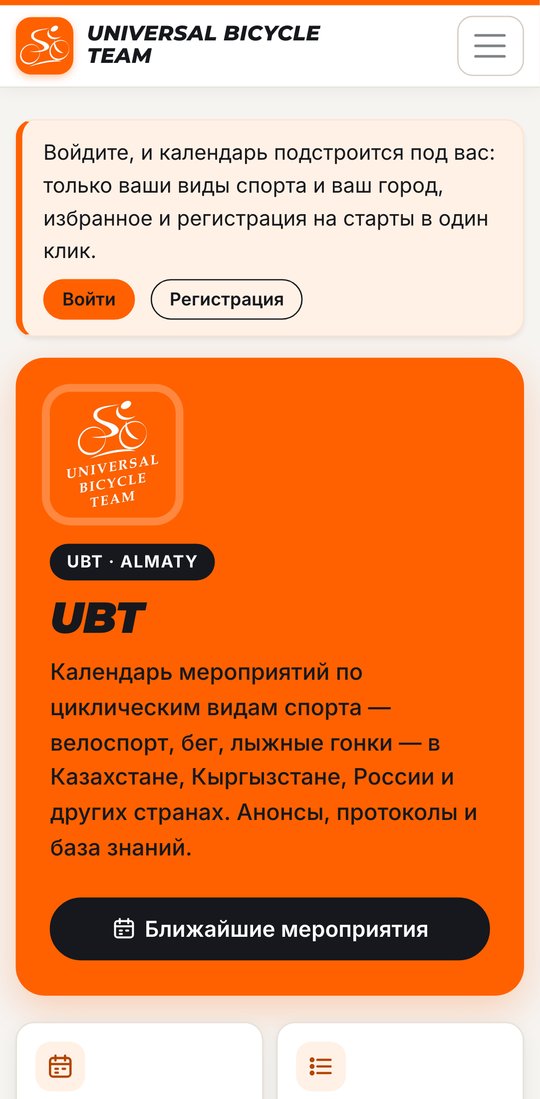
 Since 22 October new visitors see the site in the UBT Almaty skin: the team's orange, its logo, icons in the menu and a new home page with quick ways into the calendar, the list, the map, the news, the knowledge base and search.
Anyone can switch to the new skin right now, even if you picked another look before: press the sun or moon button in the menu or in your profile and choose UBT Almaty. The choice is kept in your profile, or in your browser if you are not signed in. The same button takes you back to Light or Dark.
Make a skin of your own
A skin is a folder in the site's repository. It can change anything: colours, fonts, styles, add a script of its own and even replace the markup of any page with its own copy of the template. Other readers never see your skin unless they pick it.
One command, manage.py startskin, lays out a starting point. Every skin goes through the same automatic checks as the site itself: the whole browser test suite and a text contrast check, so that everything in it reads well and works.
How a skin is built and how to check it is in the guide for designers. Send a finished skin as a pull request, and ask questions in the site's GitHub issues.
Thanks to Oleg Kim, who made UBT Almaty, the site's first skin by a designer.
Comments (0)
No comments yet. Be the first!
Log in to leave a comment.